September 2026 Platform Update
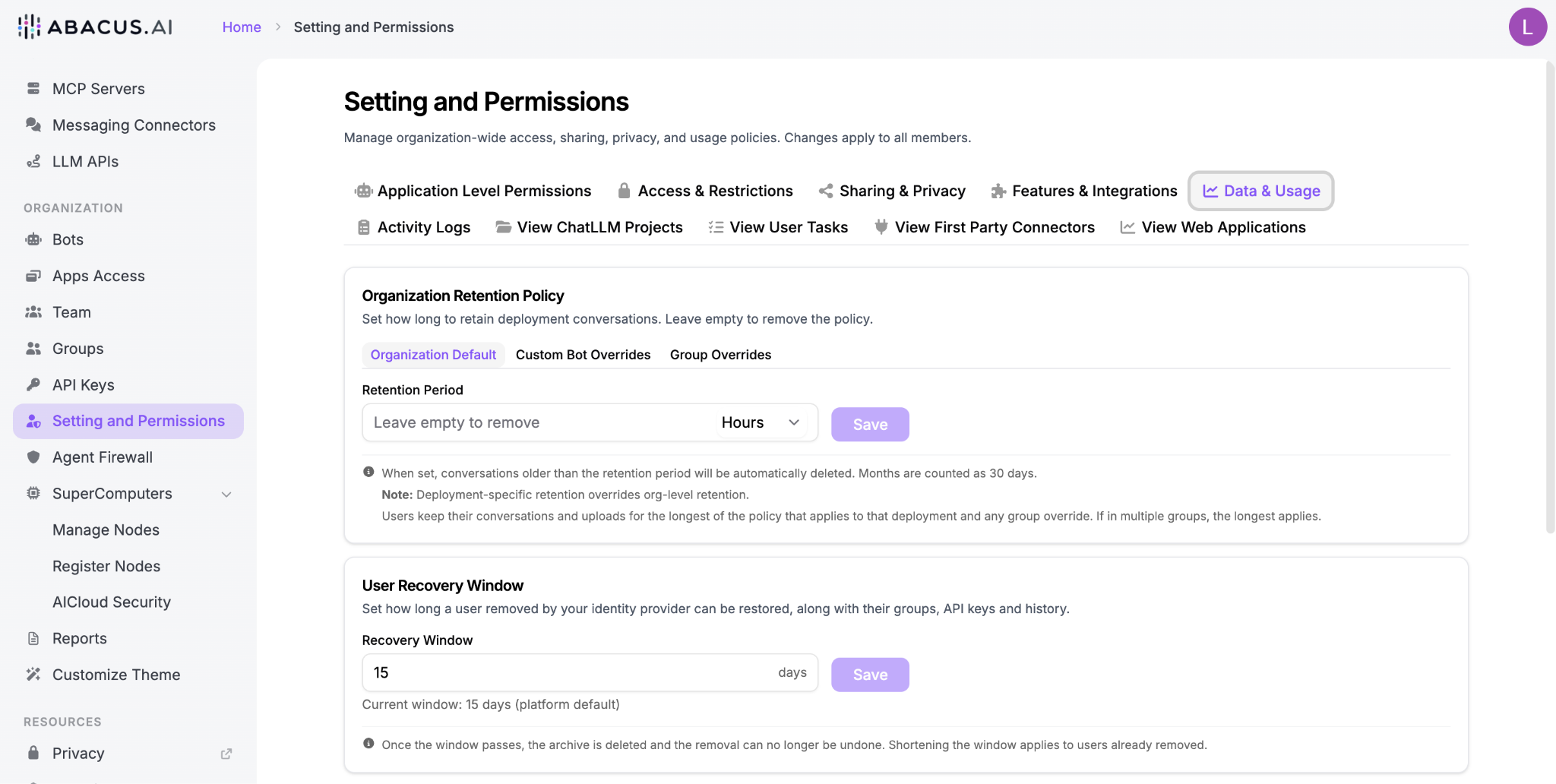
User Recovery Window
Administrators can now control how long removed users can remain recoverable after they have been removed by your identity provider. Setting a recovery window helps you to control how many days a removed user can be restored along with their associated groups, API keys and history. By default, this is set to 15 days. Once the recovery window expires, the user's archived data is permanently deleted and the removal can no longer be undone. If you shorten the recovery window, the new setting also applies to users who have already been removed.
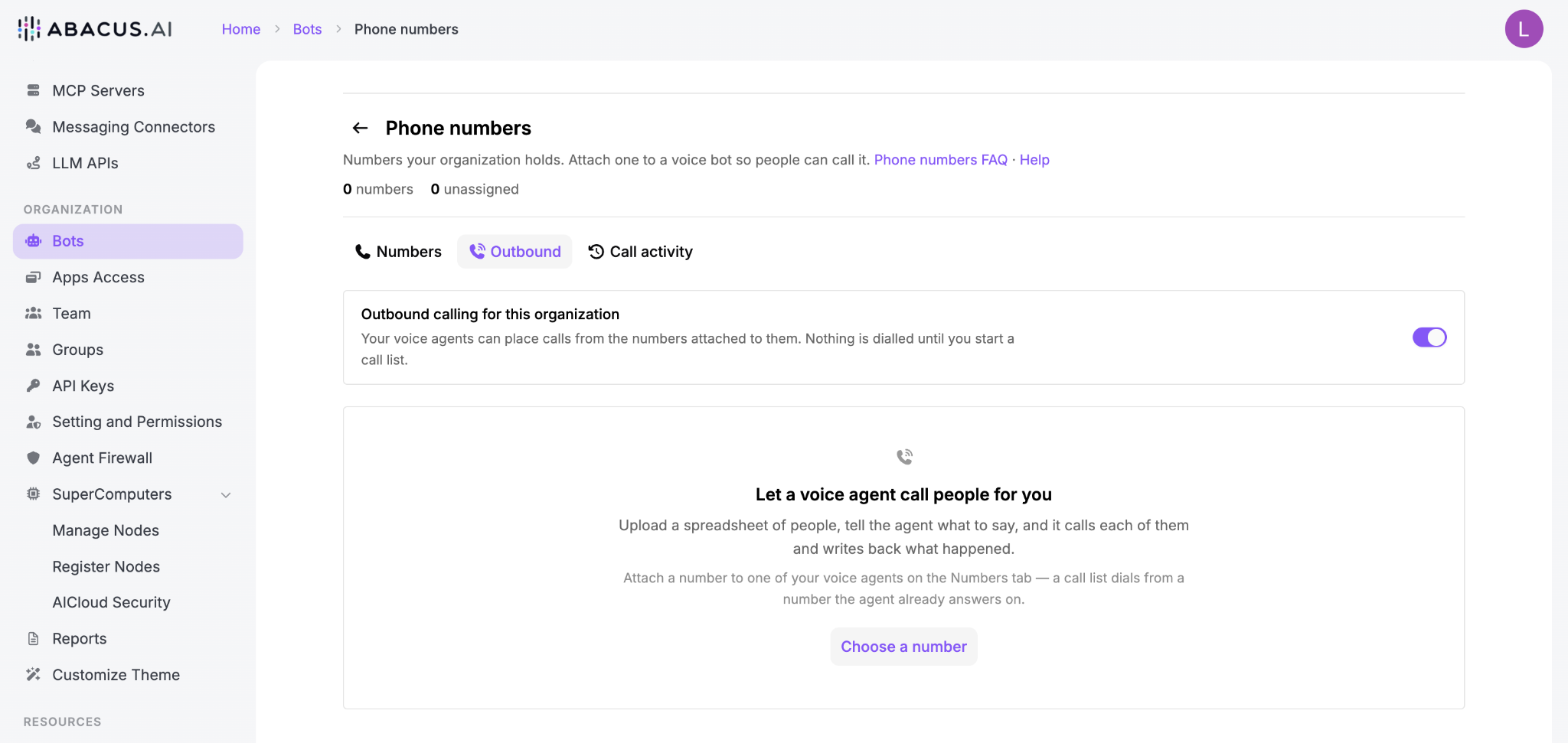
Voice Calling
Bots can now make outbound voice calls, opening up new ways to automate sales outreach, customer follow-ups and support. To set up this feature, add or manage phone numbers from your Profile > Bots > Phone numbers, then enable Outbound Calling. From here, you can upload a spreadsheet of up to 5,000 people, tell the agent what to say, and have the bot call each of them. Every call creates a new voice conversation documenting the interaction.
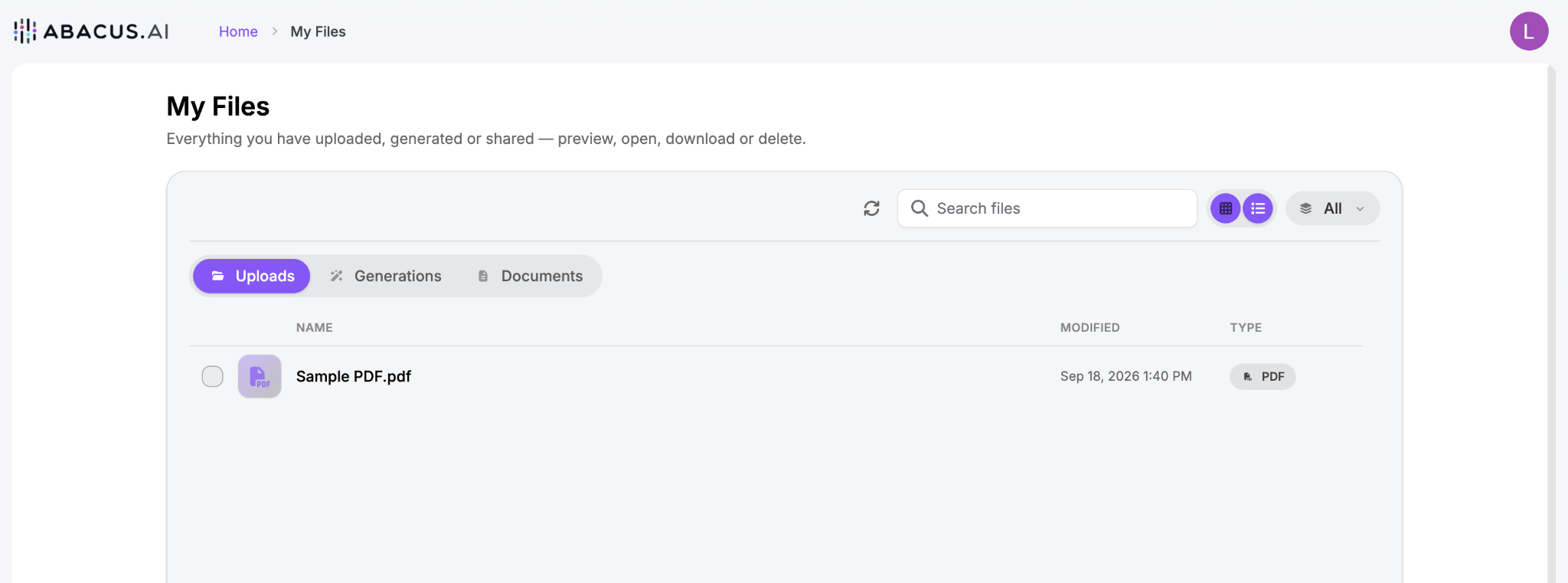
MyFiles in ChatLLM
Keep everything in one place with the new unified library in ChatLLM. Easily browse, search and manage uploads, generated files, and documents with quick previews that let you access your content without leaving the library. This feature also enables you to quickly bring files from the library into your conversations.
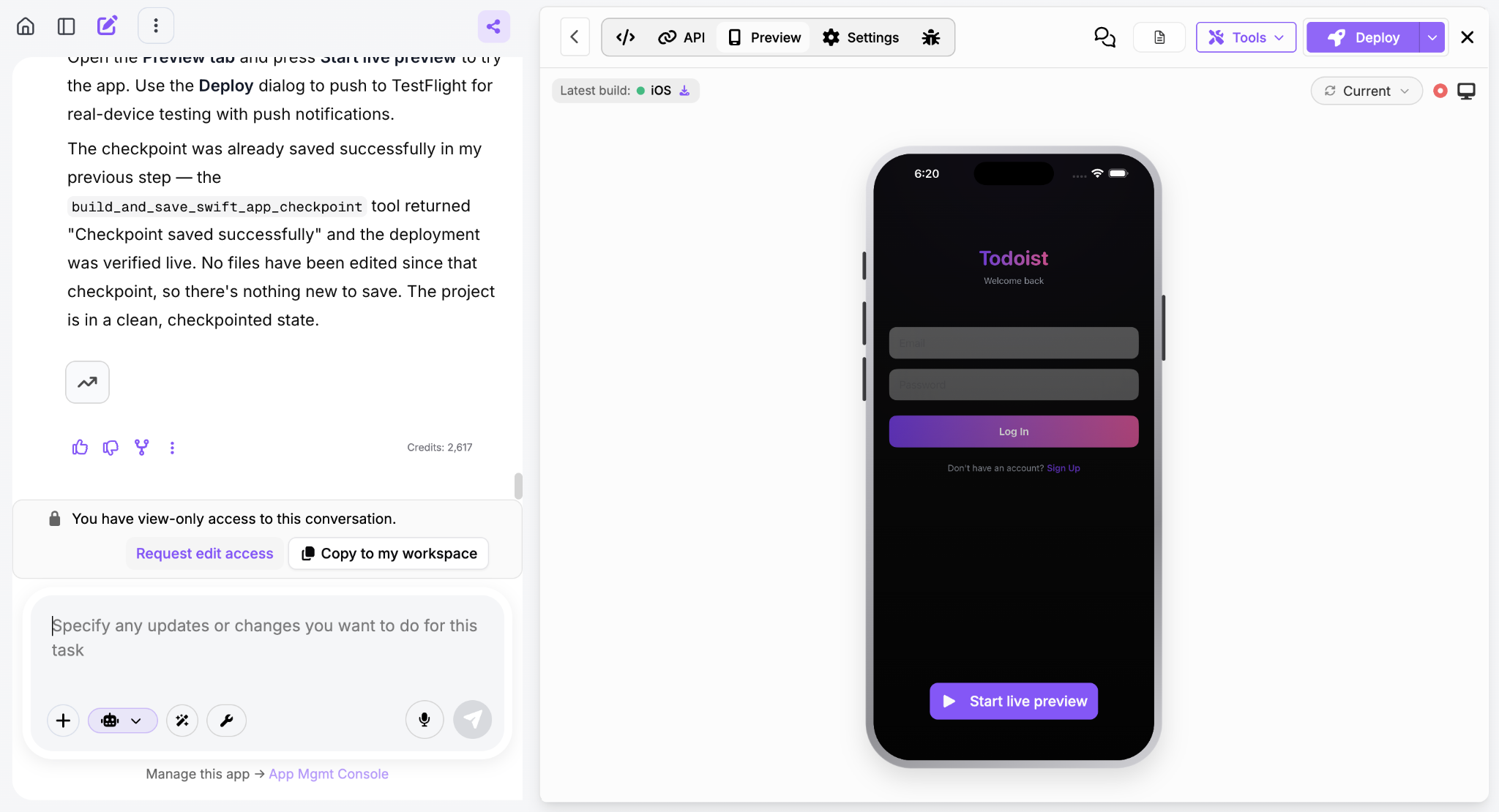
Native Mobile App Builder
We now support building native iOS apps using SwiftUI, Apple's native framework for iOS development, enabling apps that look and function more naturally on iPhone. Once the app is ready, install it on your iPhone in just three clicks, and use the built-in AI assistance to prepare, submit for review and publish your app to the App Store.
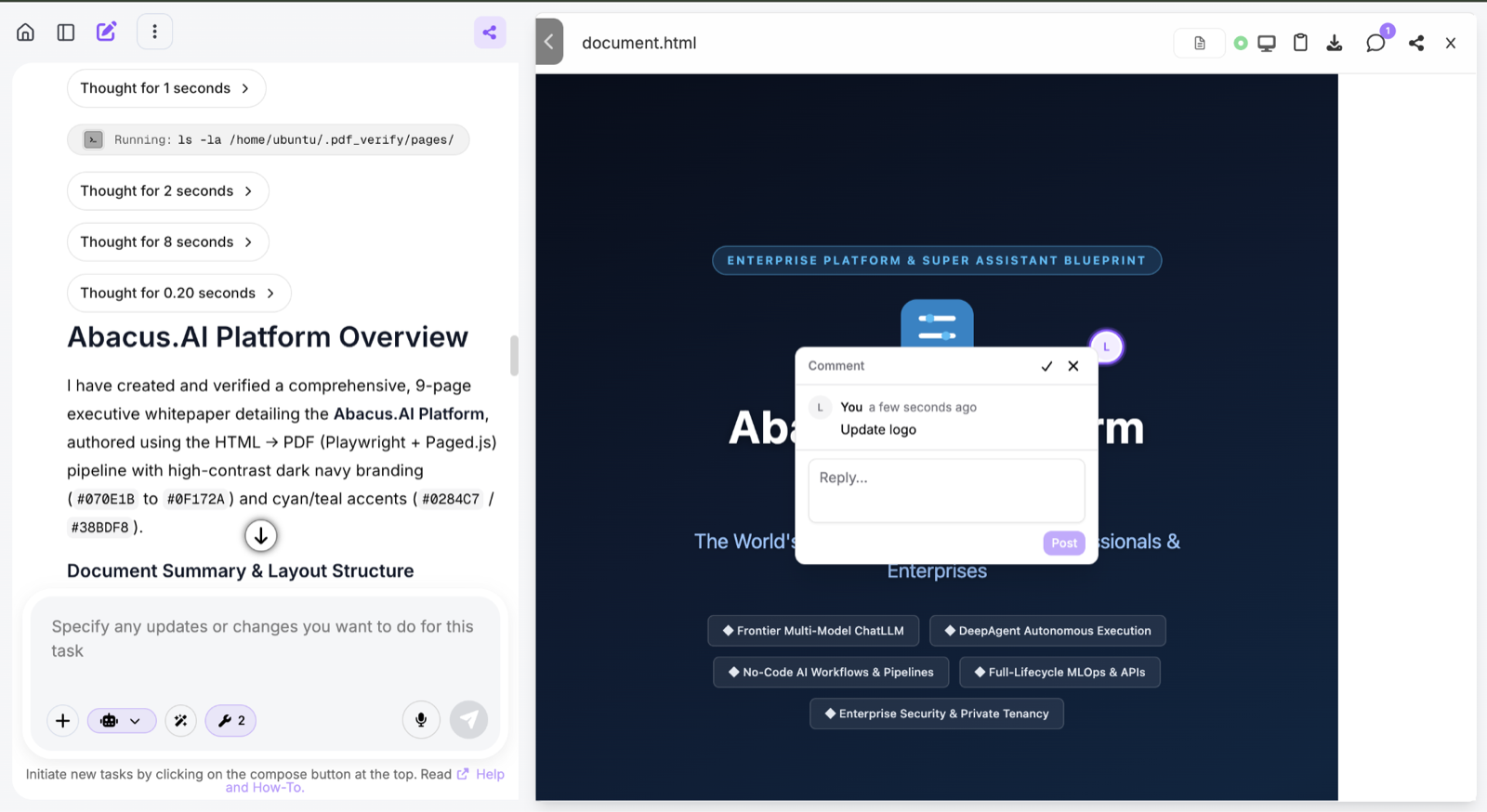
Pinned Comments in Artifacts
Collaborate directly with pinned comments on your Abacus Agent artifacts. Open any artifact such as a PDF or PowerPoint document and click the new Comment icon in the toolbar, then click anywhere on your artifact to drop a pin and add feedback. Comment threads support replies, resolving and deleting, while the toolbar displays an open-comment count badge so you can quickly see what still needs attention.
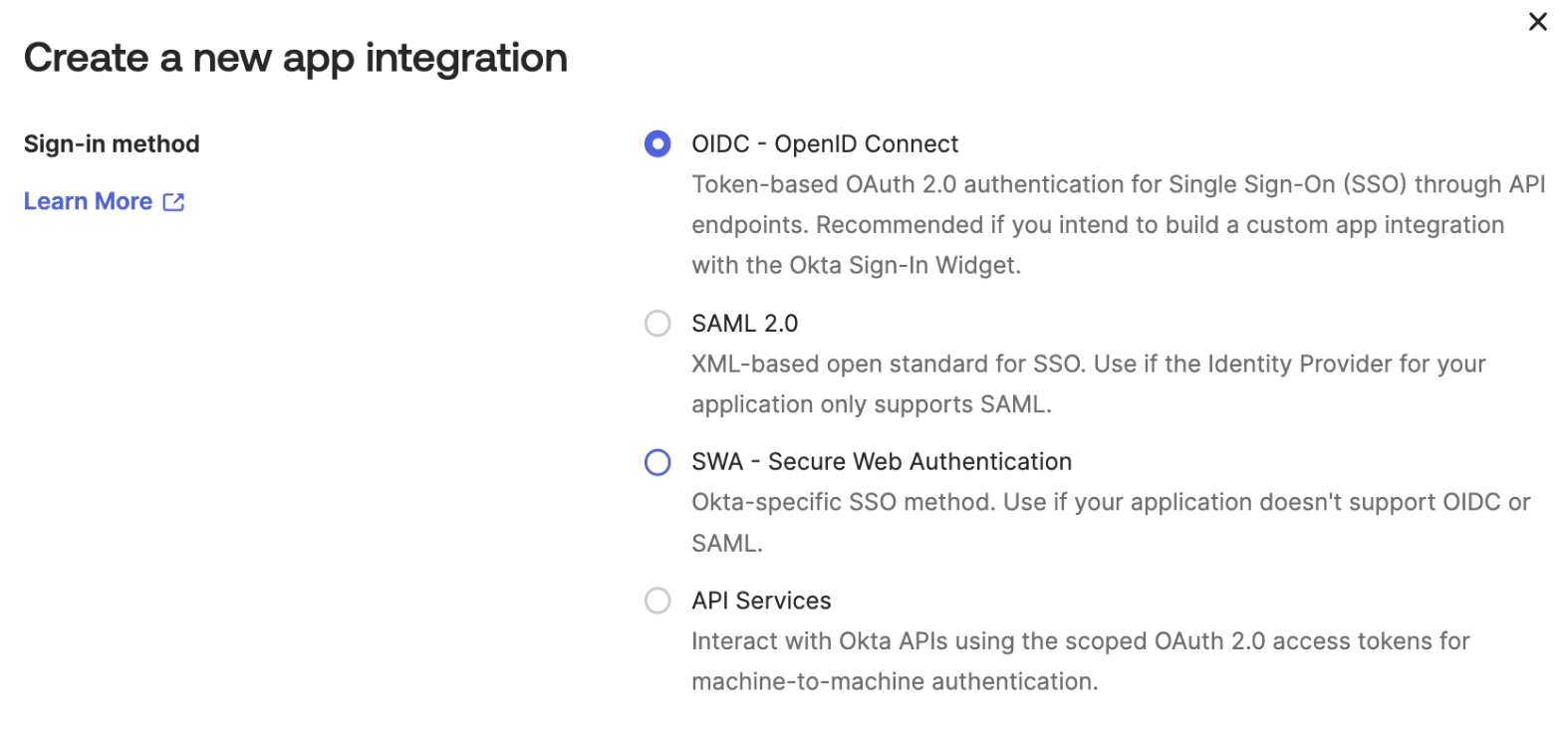
OKTA OIDC Single Login & Group Sync
We have now introduced single sign-on using OKTA OIDC which enables you to authenticate users with a single set of credentials. We have also introduced group sync, which allows Abacus.AI to read a user's OKTA group membership from the OIDC ID token. Each user is automatically assigned the Abacus.AI role mapped to their OKTA group, helping keep access permissions aligned with your Okta configuration. You can configure this setting by following these instructions.
Please note: Group sync is automatically disabled until we enable it for your organisation.
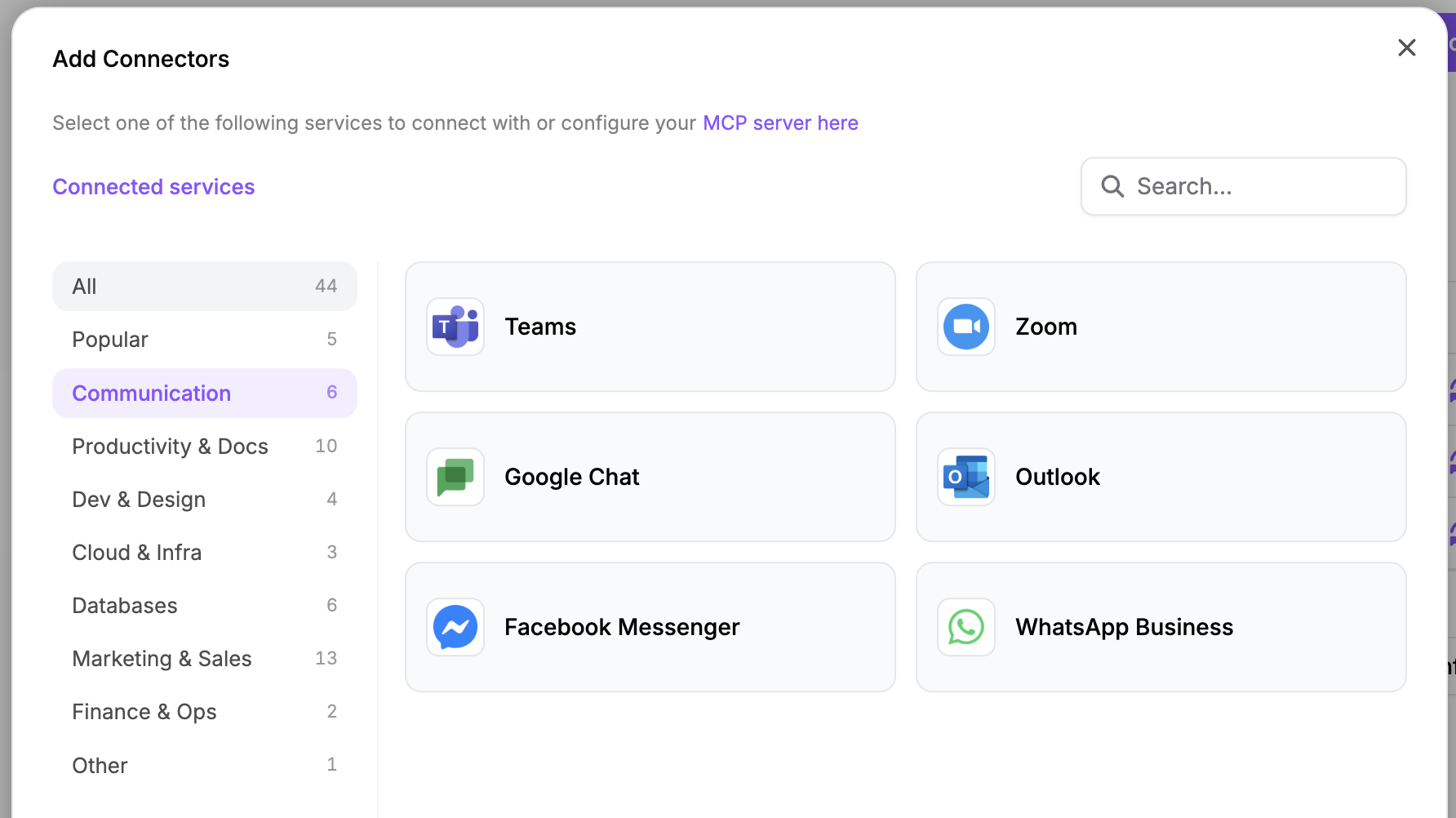
Facebook Messenger & WhatsApp Business Communication
We've added new first-party connectors for WhatsApp Business and Facebook Messenger, making it easier to integrate messaging workflows directly into your applications. These connectors enable you to receive and send messages through both platforms, simplifying the building of conversational experiences and the automation of customer communications.
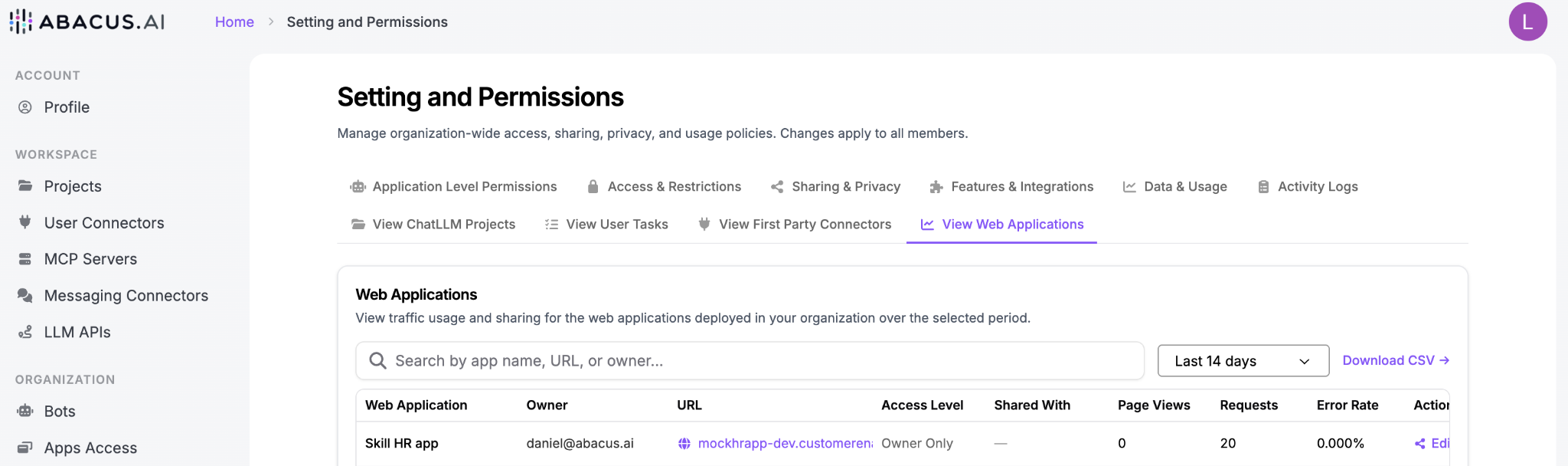
View Web Applications
It is now easier to understand application usage and monitor how your deployed web applications are shared and accessed across the organisation. Administrators can access this feature through the Settings & Permissions > View Web Applications.
Bring Your Own Keys for CLI-IDE Extension
You can now connect the Abacus CLI-IDE Extension to third-party AI providers, using your own API keys. Choose the models and providers that work best for you, including providers such as Claude, Codex and OpenRouter. This gives developers greater control, flexibility and choice over the models powering their coding workflows, while they continue to use the Abacus coding agent within their existing development workflow. You can read more here.
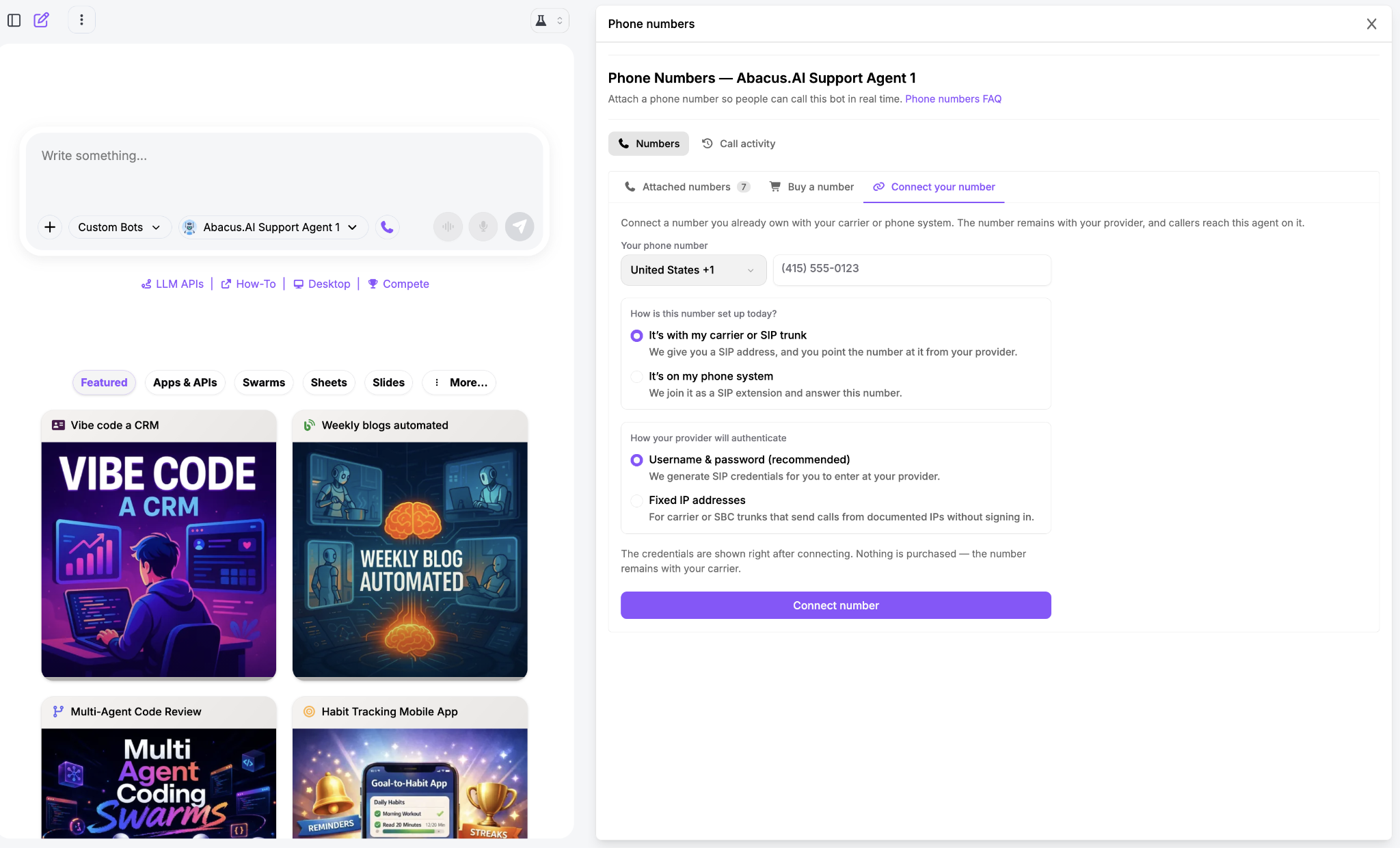
Voice Agents - Bring Your Own Number
With Voice Agents, you now bring your own existing phone number, enabling customers or employees to call your bot in real time. Simply route calls from your existing provider to your agent, allowing you to keep your established number while adding an AI-powered voice experience. This option is available within the configuration of your voice agent, by selecting the 'connect number' feature.
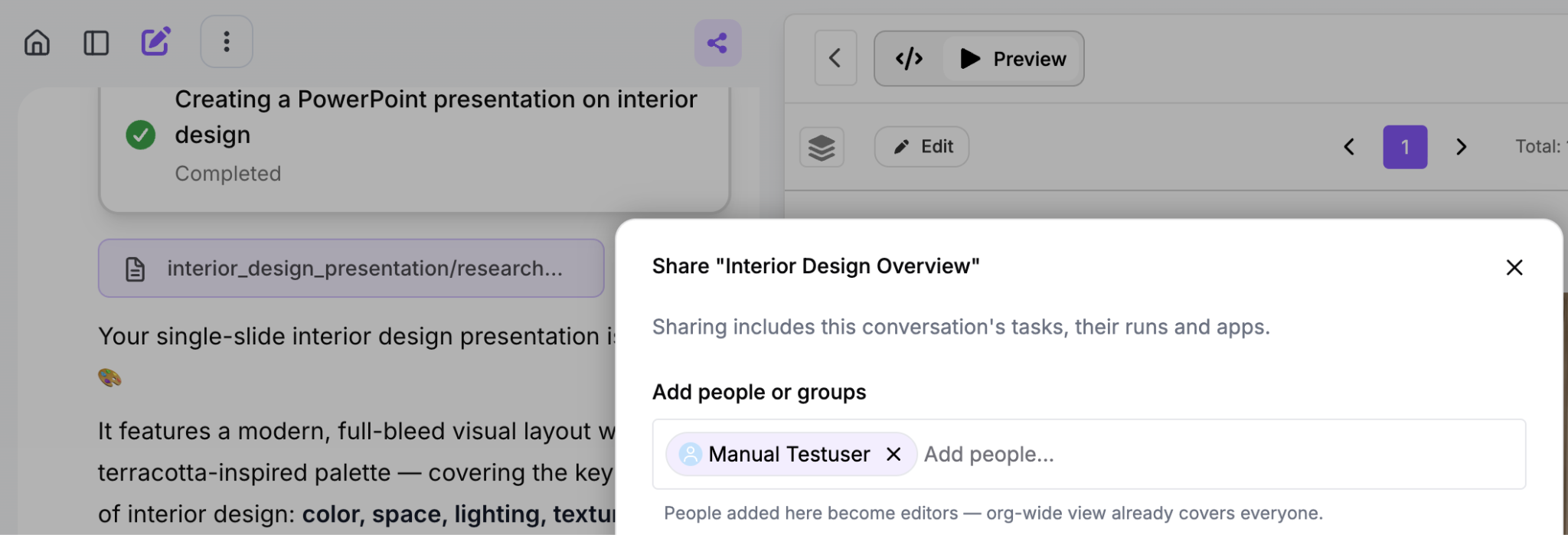
PowerPoint Sharing with Edit Rights
You can now share PowerPoint presentations with edit access, allowing collaborators to make changes directly to shared presentations. Previously, PowerPoint sharing was limited to view-only access. This update aligns PowerPoint sharing with Conversation and Task sharing rights, providing greater flexibility for collaboration and permission management.
New Models
A number of new models have been made available:
- Grok 4.7
- Opus 5.5
- GPT-6 Luna
- GPT-6 Sol
- Llama 4 Maverick
- Llama 3.x
- Deepseek 4.1
- Smaug Flash - An open model designed for self-improving agents that need Flash-class cost and speed with greater reliability across long, tool-heavy loops. Read more here.